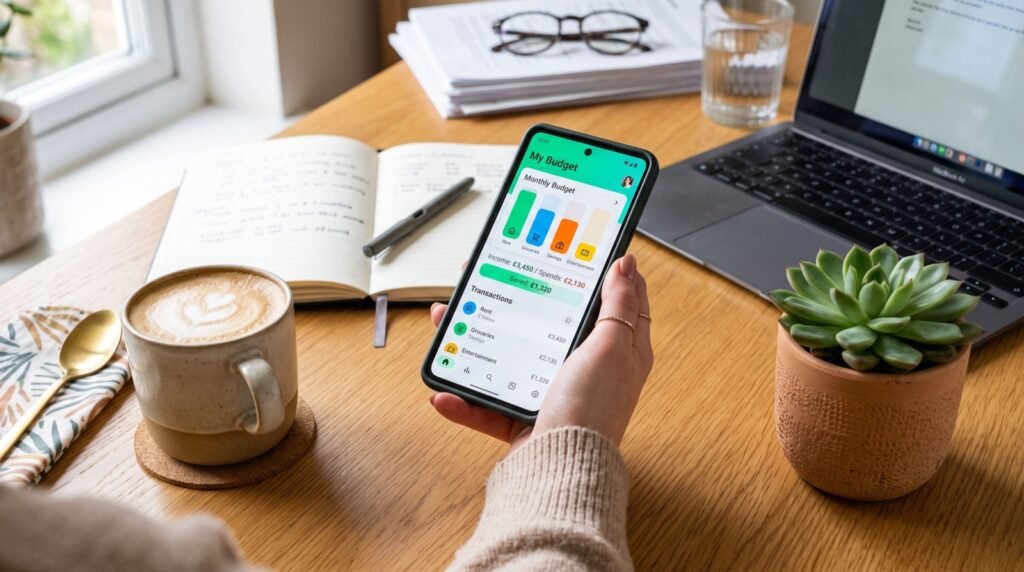
Money Apps for Freelancers: 8 Picks for 2026
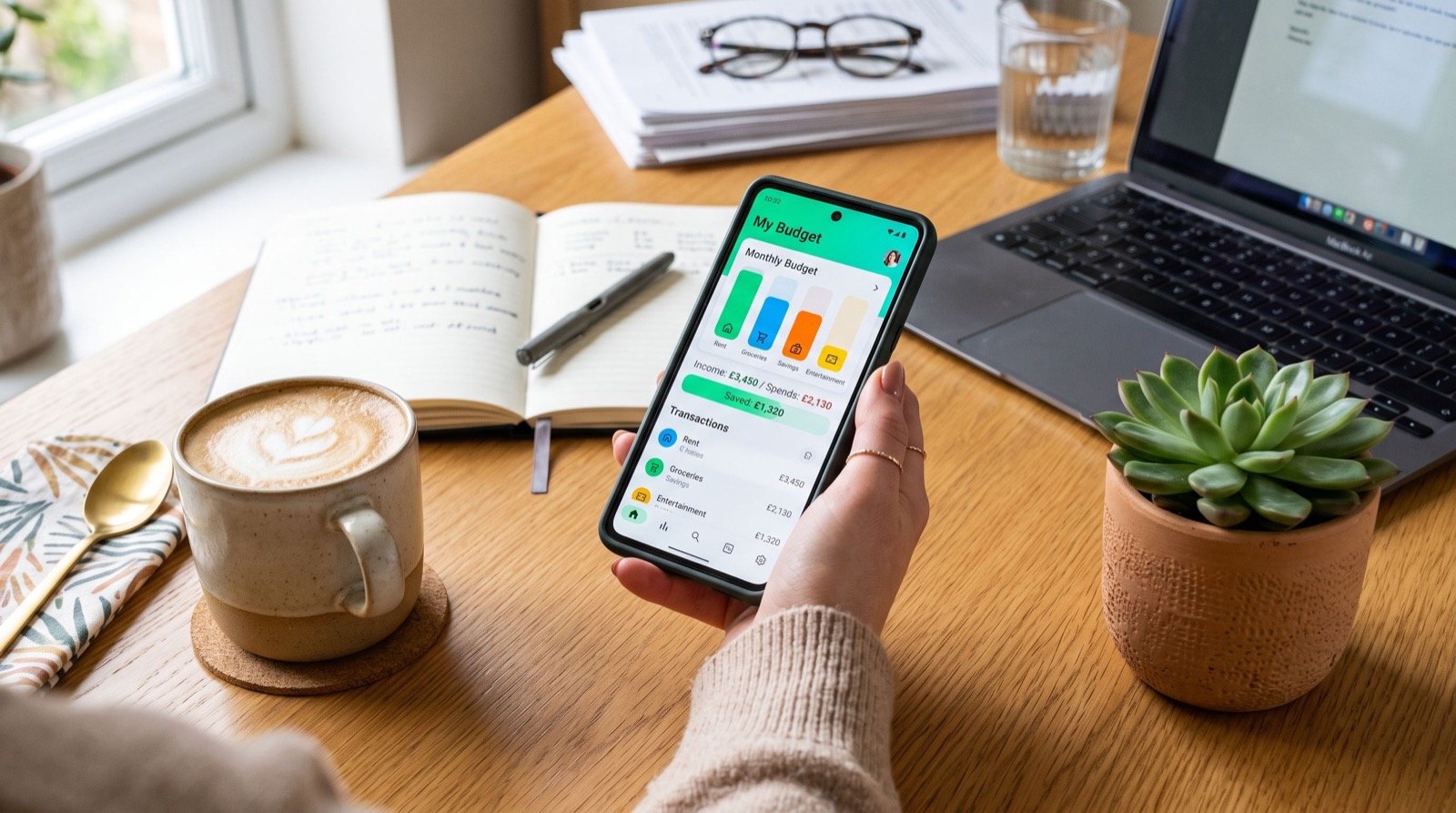
Freelance income is a rollercoaster: feast one month, famine the next. The right money apps for freelancers smooth that ride by separating business from personal cash, chasing late invoices, setting aside taxes automatically, and showing you a true picture of what you actually earned after expenses. In 2026, running a design business without these tools is like editing without undo.
I have run a solo creative shop for years, and the apps below are the ones that stopped the money chaos. They are not glamorous, but they turned irregular client payments into a system I can actually plan around.
Why money apps for freelancers are non-negotiable
When you are an employee, payroll handles taxes, benefits, and timing. Go freelance and all of that lands on you. One missed quarterly tax payment or one forgotten invoice can wipe out a profitable month.
The IRS Self-Employed Tax Center notes that independent workers generally owe estimated taxes four times a year, and penalties apply when you fall behind. An app that auto-reserves a tax percentage from every deposit quietly saves you from that trap.
The four jobs your app stack must cover
- Invoicing — send, track, and chase payments automatically.
- Banking — a business account separate from personal spending.
- Taxes — auto-set aside a slice of every payment.
- Payments — accept money fast, in whatever form clients prefer.
8 money apps for freelancers worth installing
You do not need all eight. Build a stack of three or four that covers invoicing, banking, taxes, and quick payments. Here is how I would assemble it in 2026.
- FreshBooks or Wave for professional invoicing and expense tracking.
- A dedicated business checking account to keep finances clean.
- A tax-reserve tool that siphons 25 to 30 percent of each payment.
- A peer wallet for small, fast client payments and refunds.
- QuickBooks Self-Employed for mileage and deduction tracking.
- A high-yield savings app for your income buffer.
- A receipt scanner so deductions never slip through.
- A cash-flow forecaster to see lean months coming.
For quick client payments and deposits, a mobile wallet is often faster than waiting on a bank transfer. This Cash App guide explains how to accept payments, label them for bookkeeping, and avoid the fees that eat into small project fees.
Comparing the core tools
Each tool trades cost for capability. Match your pick to your revenue stage, not to what a bigger agency uses.
| Tool | Main job | Cost tier 2026 | Best for |
|---|---|---|---|
| Wave | Invoicing | Free | New freelancers |
| FreshBooks | Invoicing + time | Paid | Growing studios |
| QuickBooks SE | Taxes + deductions | Paid | Deduction-heavy work |
| Peer wallet | Fast payments | Low | Small invoices |
| High-yield app | Cash buffer | Free | Income smoothing |
How do freelancers manage irregular income?
The secret is to pay yourself a steady “salary” even though your income is lumpy. Funnel all client payments into a holding account, then transfer a fixed amount to your personal account each month. The buffer absorbs the bumps.
Here is the original system that changed my cash flow: in a strong month, I send any surplus above my salary into a “famine fund,” and in a slow month I draw from it. After one full year, the fund self-stabilizes and the stress of irregular income nearly vanishes. Automating those transfers with the best money apps removes the willpower problem entirely.
Setting up your studio and workspace
A profitable freelance business needs a workspace that lets you focus, and that often means an upgrade or a move. Budget relocation as a business expense, plan it early, and hire reliable local experts so a studio move does not derail a client deadline or your monthly numbers.
Keep every workspace receipt. Home-office costs, equipment, and even part of your internet bill may be deductible, and a scanner app turns those receipts into tax savings with almost no effort.
Pricing projects so the numbers actually work
No app can fix underpricing. Before you optimize cash flow, make sure each project is priced to cover taxes, software, downtime, and profit, not just your hourly rate. A common rookie error is quoting like an employee and forgetting that a freelancer carries all the overhead a company normally absorbs.
Build your rate from the top down: decide your target annual income, add roughly 30 percent for taxes and overhead, then divide by your realistic billable hours. Billable hours are always fewer than you think, because marketing, admin, and revisions eat the calendar. Pricing from that honest number keeps you from working hard and still ending the year short.
Use value-based pricing for high-impact work. A logo that anchors a client’s entire brand is worth far more than the hours it took, and clients who understand value will pay for the outcome, not the clock.
Protecting your freelance finances
Independent work means you are also your own risk manager. A single chargeback, scam, or dry quarter can hurt more when there is no employer cushion behind you. Build defenses before you need them.
- Require a deposit before starting any sizeable project.
- Use contracts that specify scope, revisions, and late fees.
- Keep three to six months of expenses in your buffer fund.
- Enable alerts on every account to catch fraud instantly.
These habits cost almost nothing and they turn a fragile income into a resilient business. The freelancers who last are rarely the most talented; they are the ones who treated the money side as seriously as the creative side.
Frequently Asked Questions
What is the best money app for a brand-new freelancer?
Start with a free invoicing tool like Wave plus a separate business account. Those two cover the essentials, and you can layer in tax and forecasting apps once your income is steady.
How much should freelancers set aside for taxes?
A safe default is 25 to 30 percent of each payment, though your exact rate depends on your bracket and local rules. Automating the transfer the moment a client pays prevents a nasty surprise at filing time.
Do I really need a separate business bank account?
Yes. Mixing personal and business money makes bookkeeping painful and deductions hard to defend. A dedicated account keeps your records clean and your taxes simpler.
How can I get clients to pay on time?
Send invoices immediately, set clear due dates, and enable automatic reminders. Offering a fast digital payment option also removes friction, since many late payments are just inconvenience, not refusal.
Final take
The right money apps for freelancers turn unpredictable income into a business you can actually plan. Separate your accounts, automate your taxes, smooth your income with a buffer fund, and chase invoices without lifting a finger. Build your stack this week, and spend 2026 designing great work instead of chasing your own money.